Use Design Mode
Switch a chat to Design mode, brief a visual, and work from the Your designs gallery.
Design Mode is the chat mode for visual work: pages, slide decks, landing pages, and reports. Anyone who can chat in the workspace can use it. You turn it on with Chat mode → Design mode, or by opening a Design Mode thread.
4 steps · About 3 minutes
Open Chat
Choose Chat in the sidebar. Select or create a Chat is the empty index. New chat on this page, or Conversation in the chat list, starts a Standard chat. Design Mode is a mode on a conversation, not a separate app area.
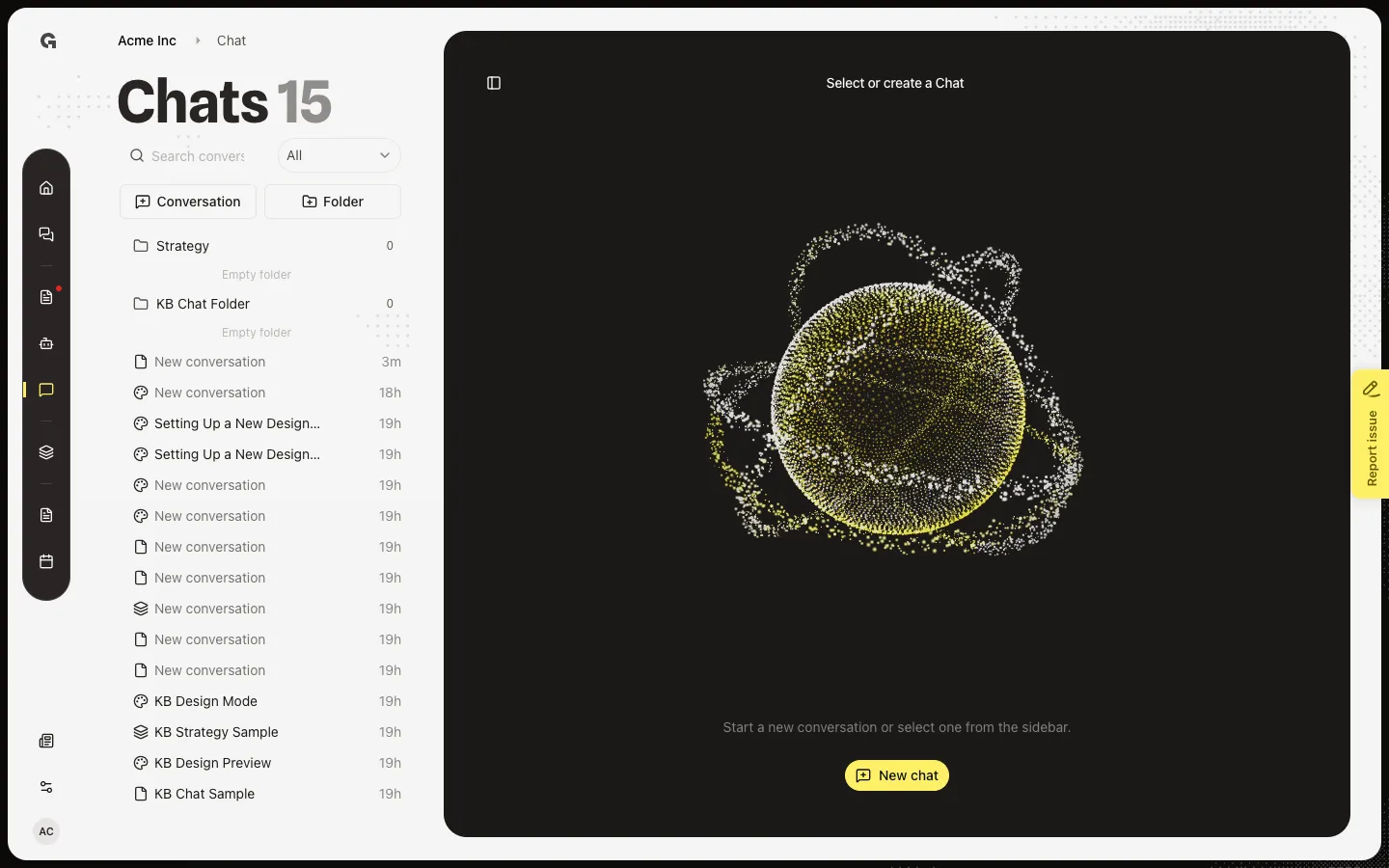
Open Design Mode
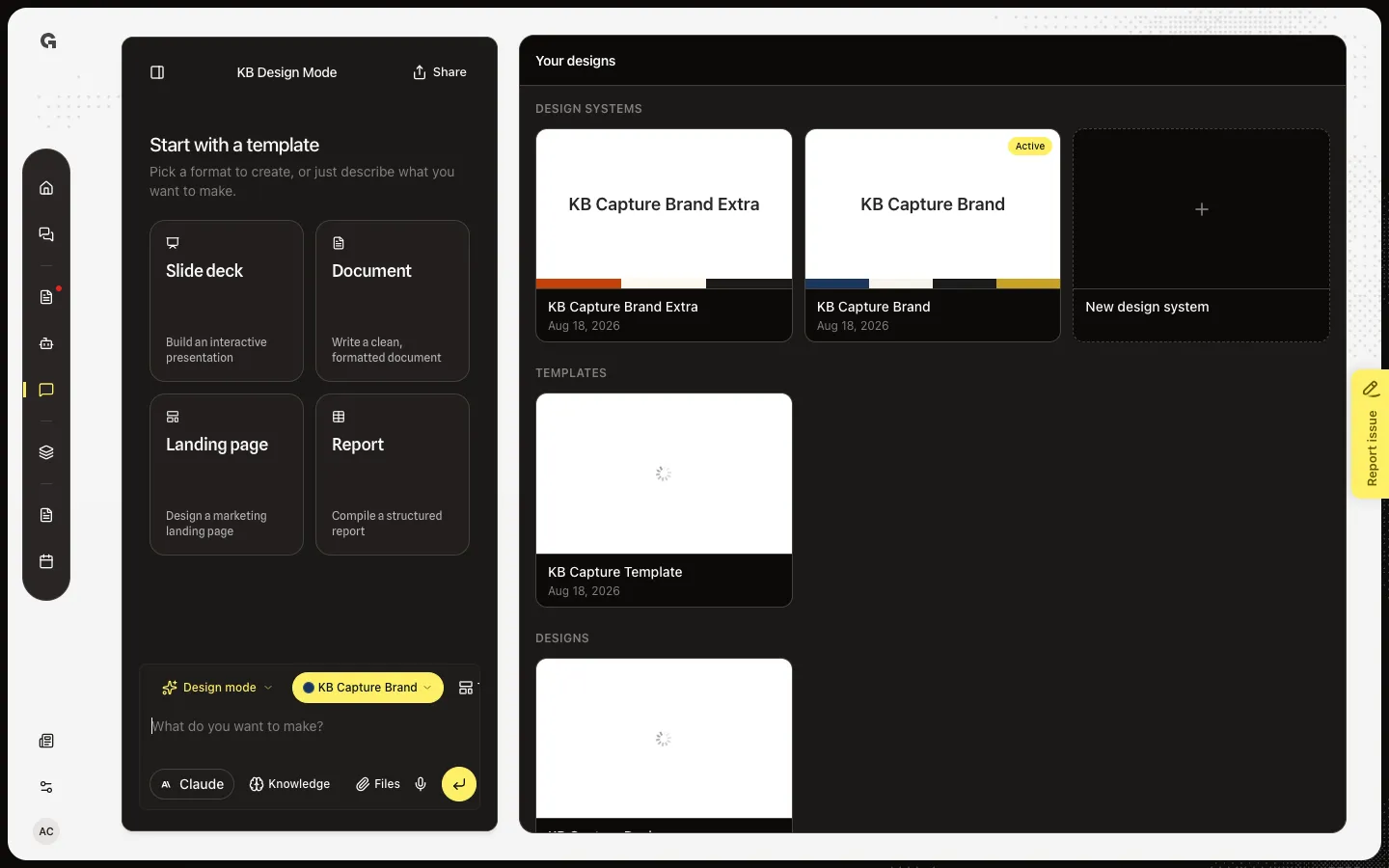
In the chat list, open Design Mode. Design Mode threads show a palette icon. The conversation list collapses so the right panel can show Your designs. The composer placeholder is What do you want to make? Start with a template lists Slide deck, Document, Landing page, and Report.
Open Chat mode
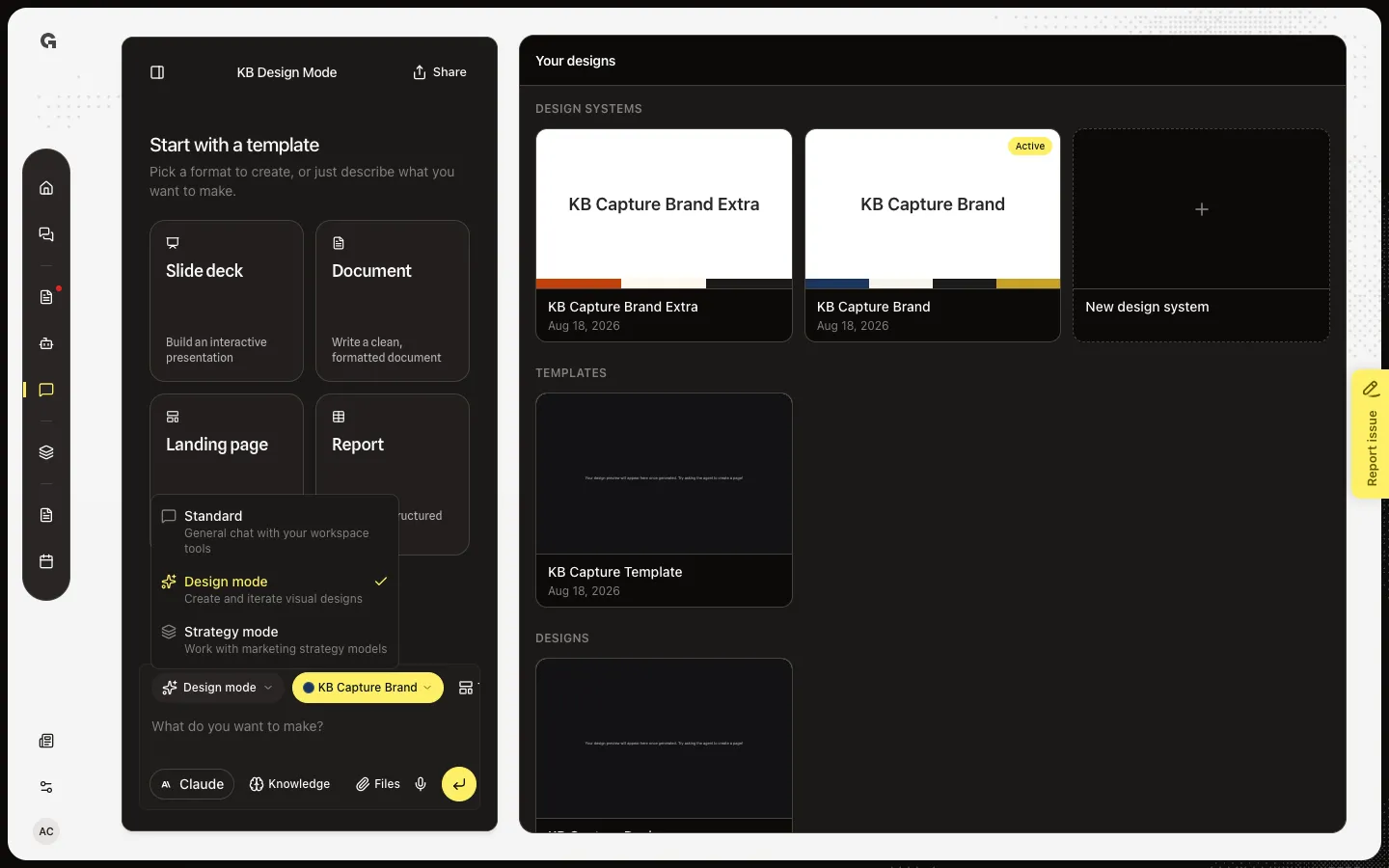
Above the prompt, Chat mode shows Design mode. Open it to see Standard (general workspace tools), Design mode (visuals), and Strategy mode (strategy models). Picking a mode saves on this conversation. Design systems and Templates only appear while Design mode is on.
Write a brief
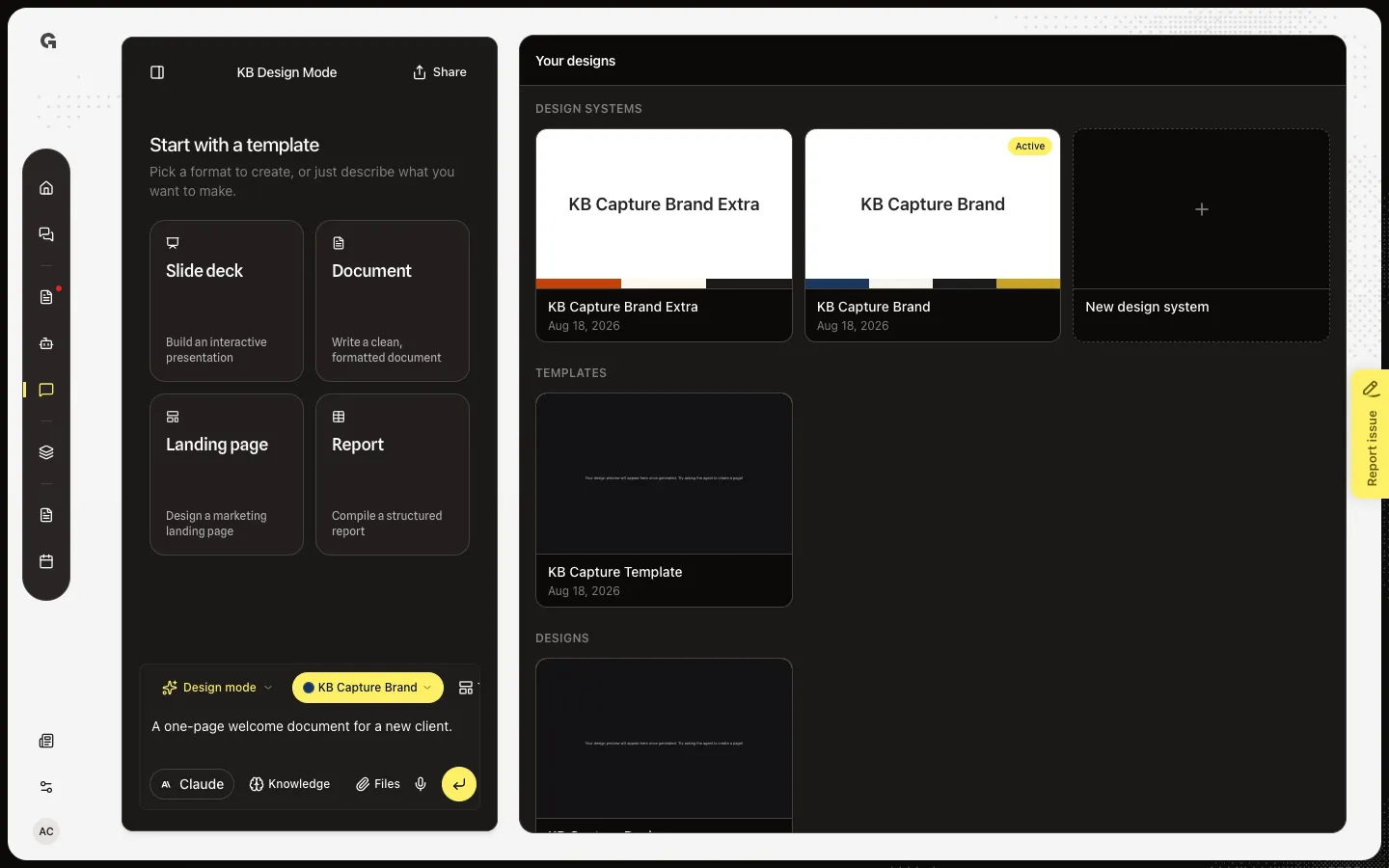
Close the menu and type what you want (a landing page, a deck, a report). Send starts a build. The live preview opens when the first design exists and updates while the builder works. Download, Select, and Save as template stay off mid-build so you do not save a half-finished file.
FAQ
How do I turn Design mode on?+
Open a chat, choose Chat mode, then Design mode. Or open an existing Design Mode thread such as Design Mode. See Choose a chat mode for Standard and Strategy.
What happens after I send a brief?+
The agent briefs a builder. A workspace design row appears, the right panel switches from Your designs to the live preview, and later chats can open that same design from the gallery. The preview is empty until the first save lands.
Who can use Design Mode?+
Anyone who can create or update chat in the workspace. Designs, templates, and design systems are shared in the workspace, not private to your thread.
I see a preview instead of Your designs.+
This chat already has a design or template open. Use the back arrow on the preview to return to the gallery. A new build snaps you back to the preview.