Use the content strategy copilot
Set the persona on Strategy, then analyze tone and (for articles) blog structure against that audience.
Strategy is the copilot on a draft: who you write for, and how the text compares to that persona. Anyone who can edit the piece can change the persona and run analysis.
3 steps · About 3 minutes
Open the draft
Open KB Feedback Sample. Seed already set a persona on this article. The right panel has Content, Strategy, and Feedback. Strategy is the copilot — persona, tone of voice, and blog analysis.
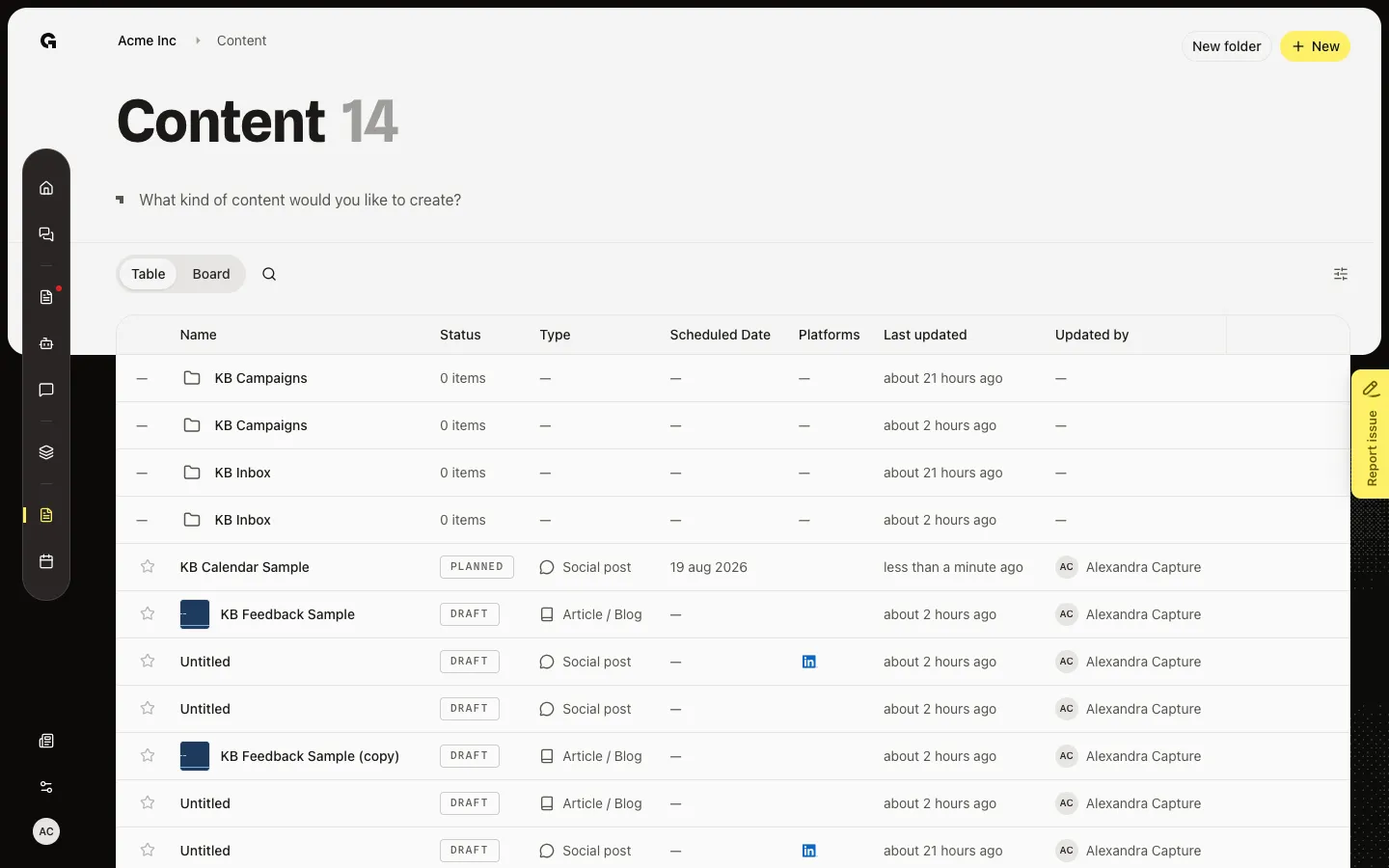
Open Strategy
Choose Strategy copilot. Persona is the audience for this piece. Change it if the draft should speak to someone else. Job titles from that persona appear under the field. Tone of voice compares the draft to the persona on formality, seriousness, respect, and enthusiasm.
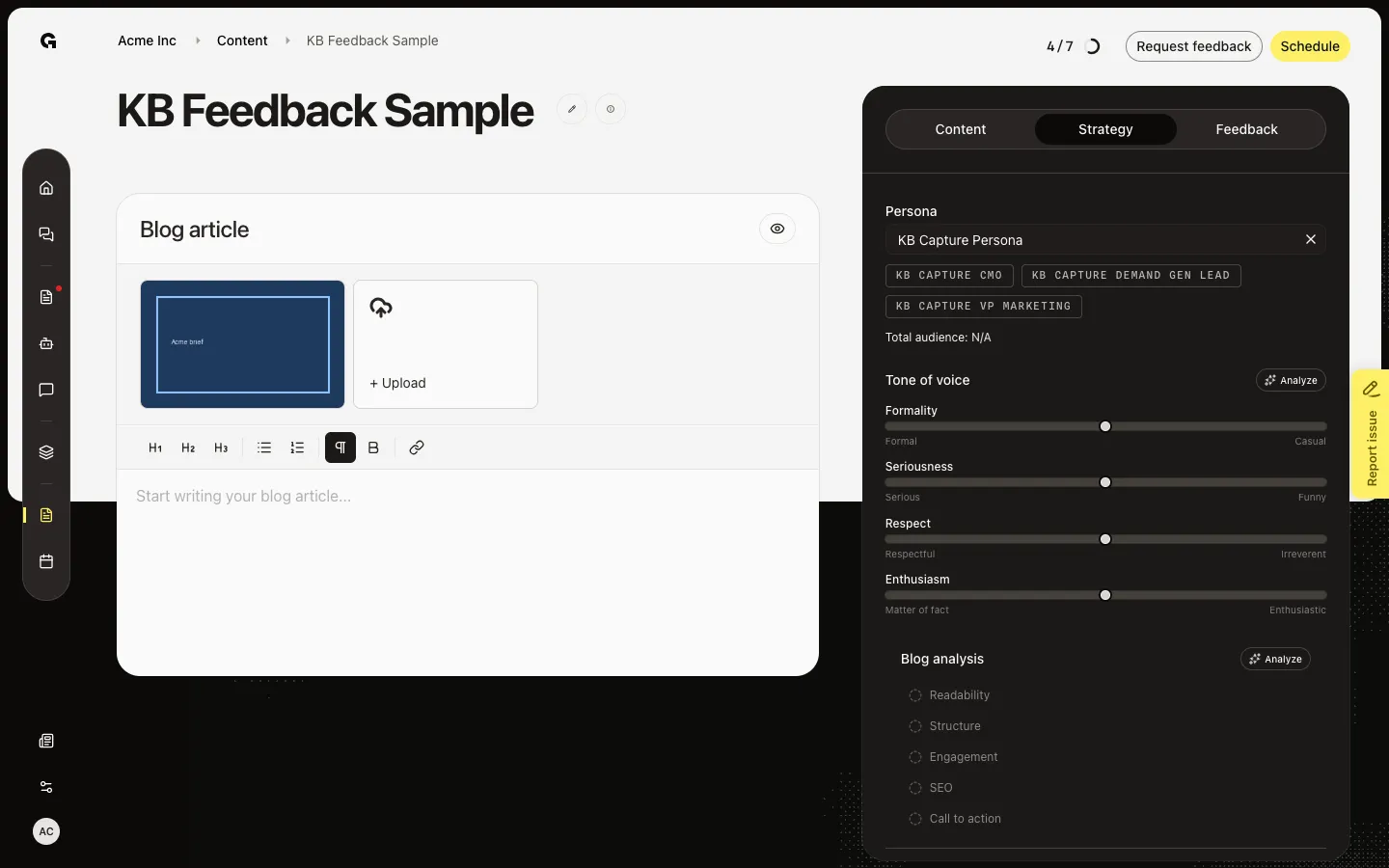
Open the persona list
Open Persona to pick another audience. Job titles from that persona appear under the field. After you have body text, Analyze on Tone of voice lists suggestions you can apply. On Article / blog, Blog analysis rates readability, structure, engagement, SEO, and call to action. A locked or published piece cannot run analysis.
FAQ
Persona says No personas found.+
This workspace has no persona. Create one under Strategy → Personas, then return. Seed adds KB Capture Persona when the workspace has none.
Analyze is missing or grey.+
Write body text first. Analyze hides when results are still current. A locking feedback request or a published post disables Strategy.
Should I use Strategy or the Content assistant?+
Strategy sets the audience and scores the draft. The Content assistant rewrites the text. Set the persona here, then ask the assistant to match it.
I do not see Blog analysis on a social post.+
Blog analysis is only on Article / blog. Social posts still have Persona and Tone of voice.