Sign in with Google
Open Growf with the Google account that matches your invite email.
Google sign-in is for invited users who want to open Growf with their Google account. It is available on the login page when your Growf environment has Google connected.
1 steps · About 1 minute
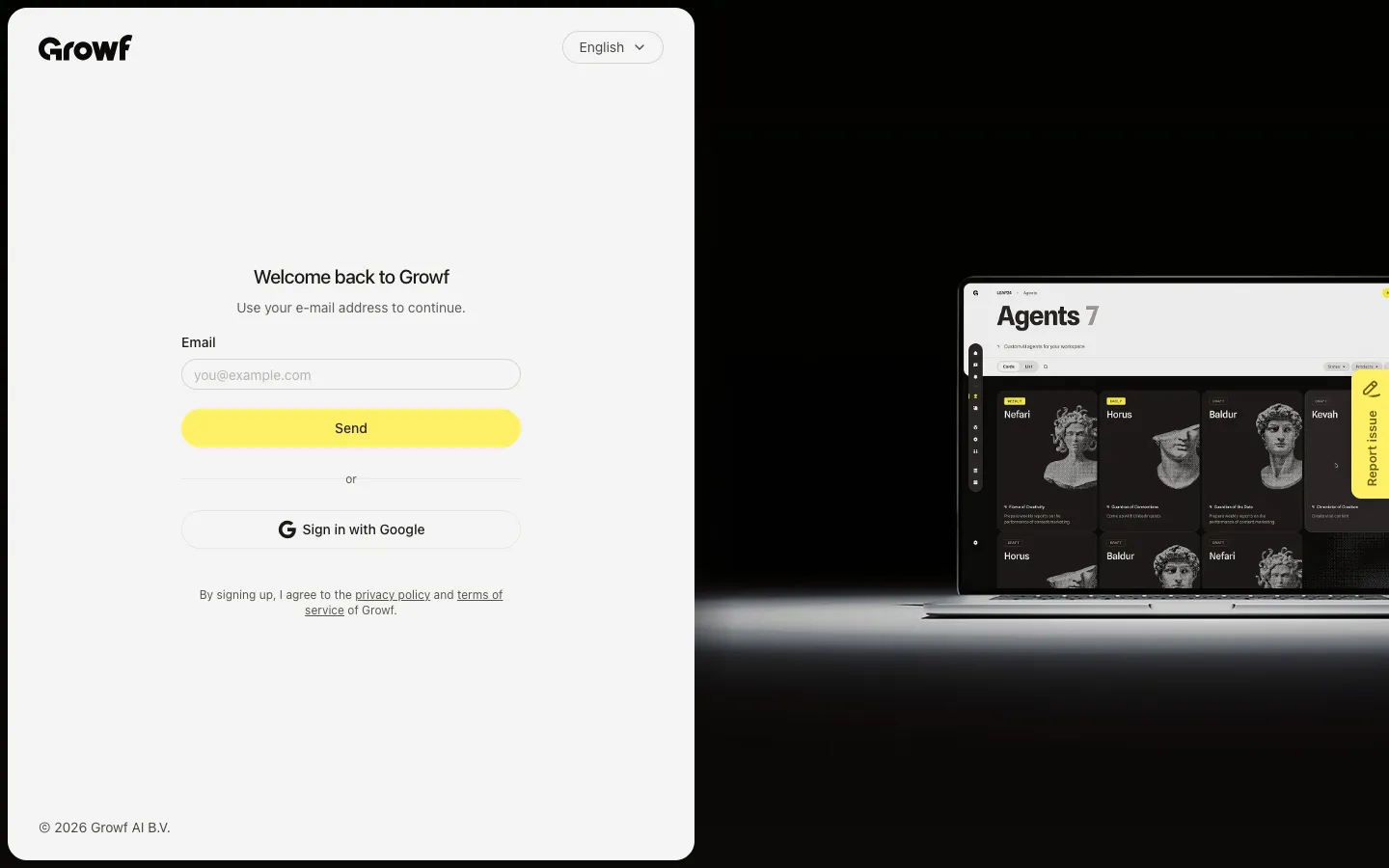
Choose Sign in with Google
On the sign-in page, choose Sign in with Google (below the email form when Google is enabled). Finish Google’s prompts with the same email you were invited with. After Google confirms, Growf opens your app home (or the page you were invited to).
FAQ
I do not see Sign in with Google on the login page.+
The button only appears when Google is connected for that Growf environment. If it is missing, use email sign-in or ask your admin to enable Google.
Which Google account should I use?+
Use the Google account whose email matches the address you were invited with. A different Google account will not unlock that invitation.
Google signed me in, but Growf still will not let me in.+
Confirm you already have a Growf invitation for that email. If you accepted an invite in another browser, try Google again with the invited account.