Sign in with email
Request a one-time code by email and use it to open Growf.
Email sign-in is for anyone with a Growf invite or account who prefers a one-time code instead of Google. You enter your email, Growf sends a 6-digit code, and you enter that code to open the app.
2 steps · About 2 minutes
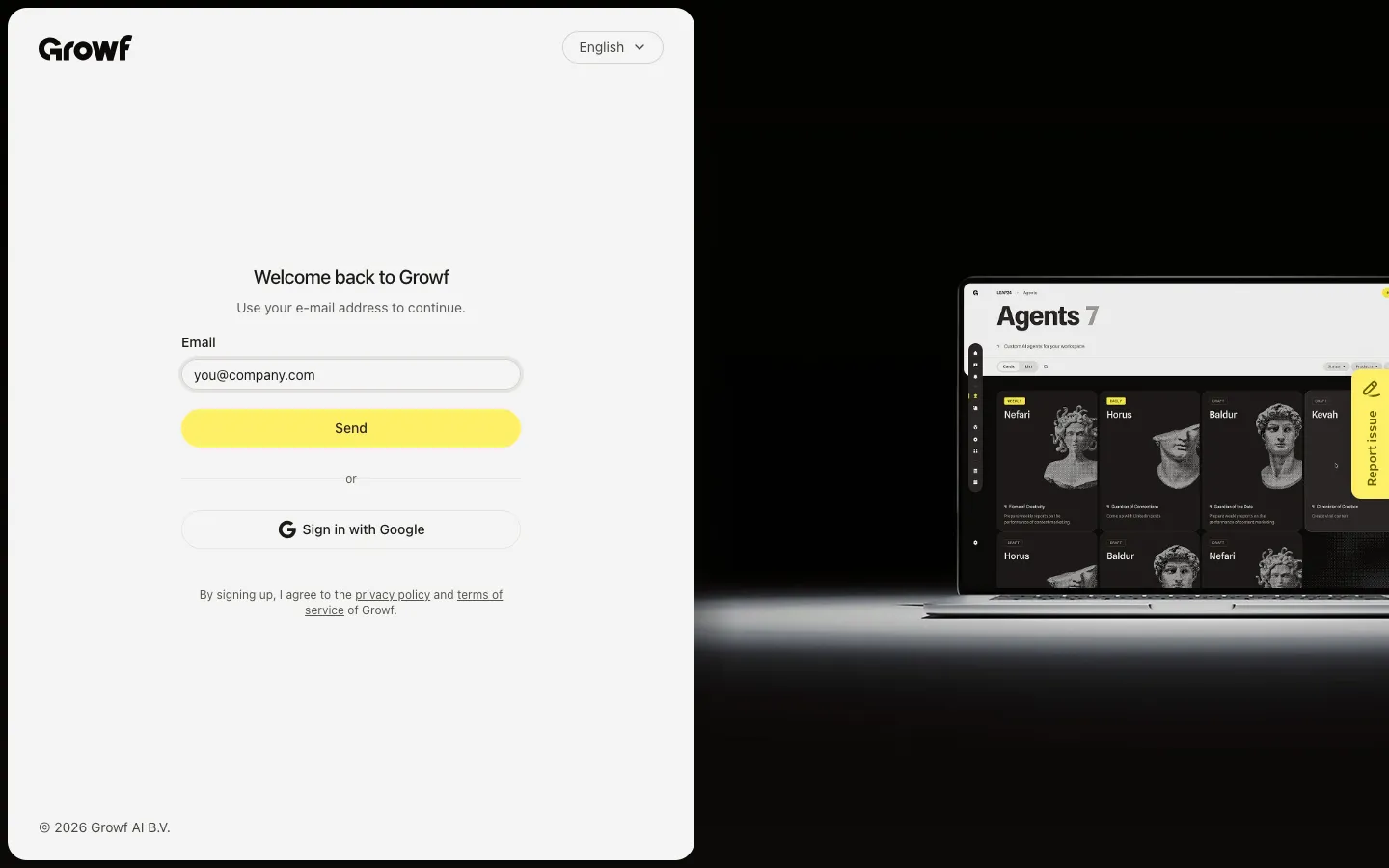
Enter your email and send a code
On the sign-in page, type the email address that was invited to Growf, then choose Send. Growf emails you a 6-digit code.
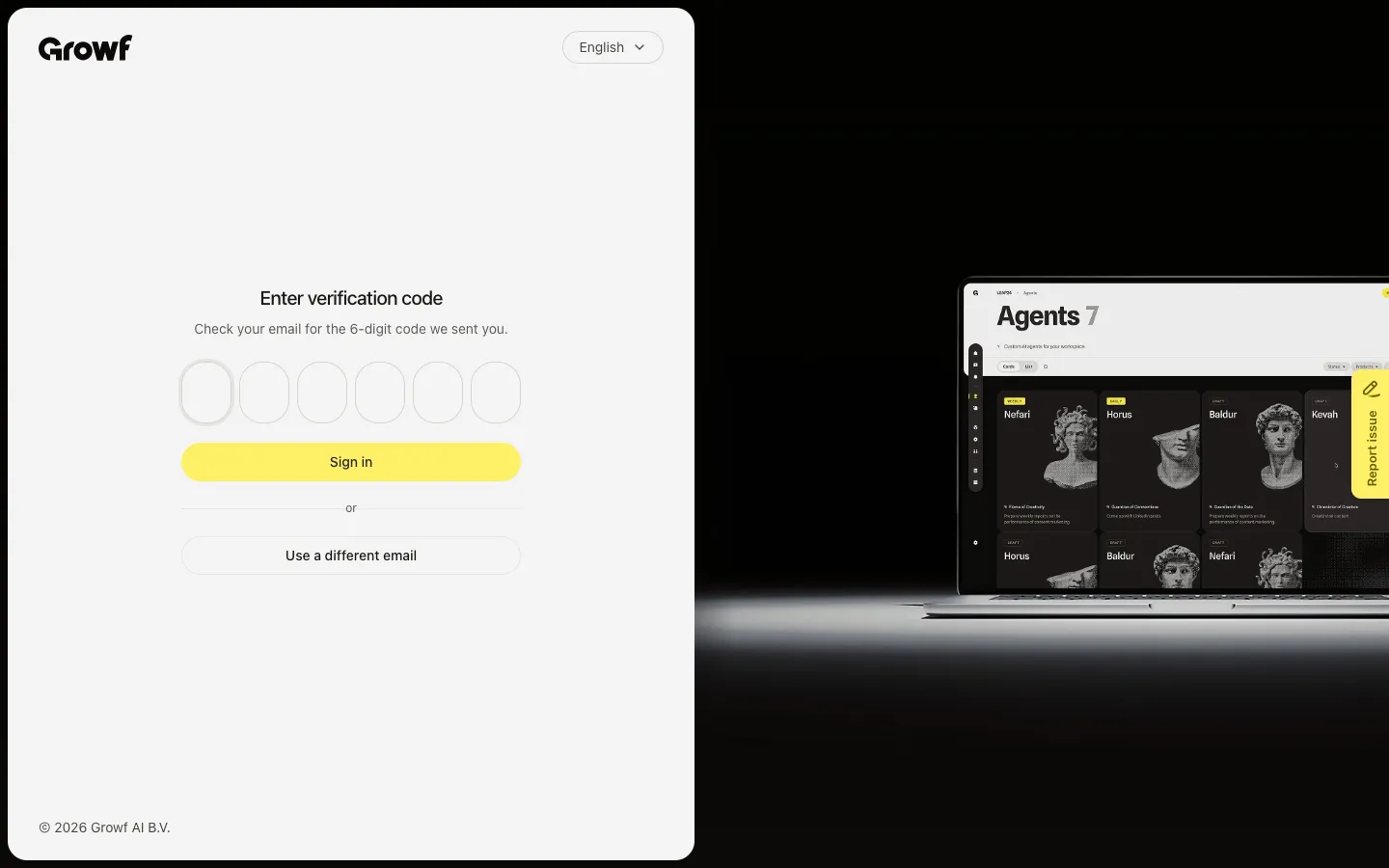
Enter the verification code
Open the email, type the 6-digit code on the verification page, then choose Sign in. Growf opens your app home (or the invite page you were sent to).
FAQ
I did not get a verification code. What should I do?+
Check spam or promotions, and confirm you used the invited email. Wait a minute, then request a new code from the sign-in page.
My code does not work or has expired. Can I try again?+
Yes. Go back to sign-in, enter your email again, and send a fresh code. Old codes stop working after they expire.
Do I need an invitation before email sign-in works?+
Yes. Growf only sends a working code for emails that already have access through an invitation or an existing account.
I typed the wrong email on the code page. How do I change it?+
Choose Use a different email to return to the sign-in page, then send a code to the correct address.