Manage persona documents
Open a persona’s documents page to see files from the linked product, and upload when exactly one product is linked.
Persona documents are the files on the product behind this persona’s ICP. Use them so the same brief sits next to the buyer role.
2 steps · About 2 minutes
Open persona documents
Open this persona’s documents URL. The page is not a tab on the overview. Files come from the product on the linked ICP. KB Capture Persona is linked to KB Capture ICP, which uses KB Capture Product, so the dropzone appears.
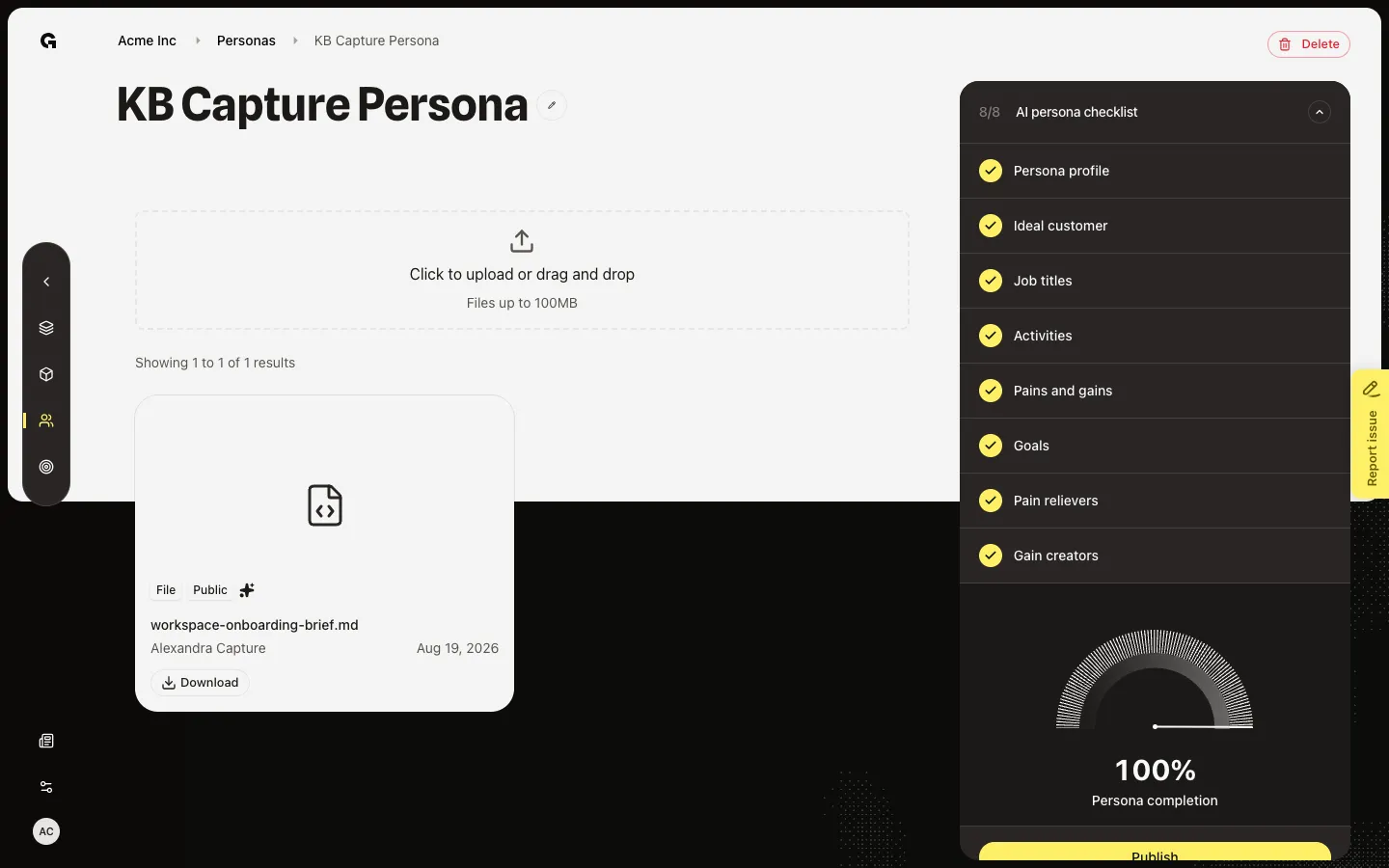
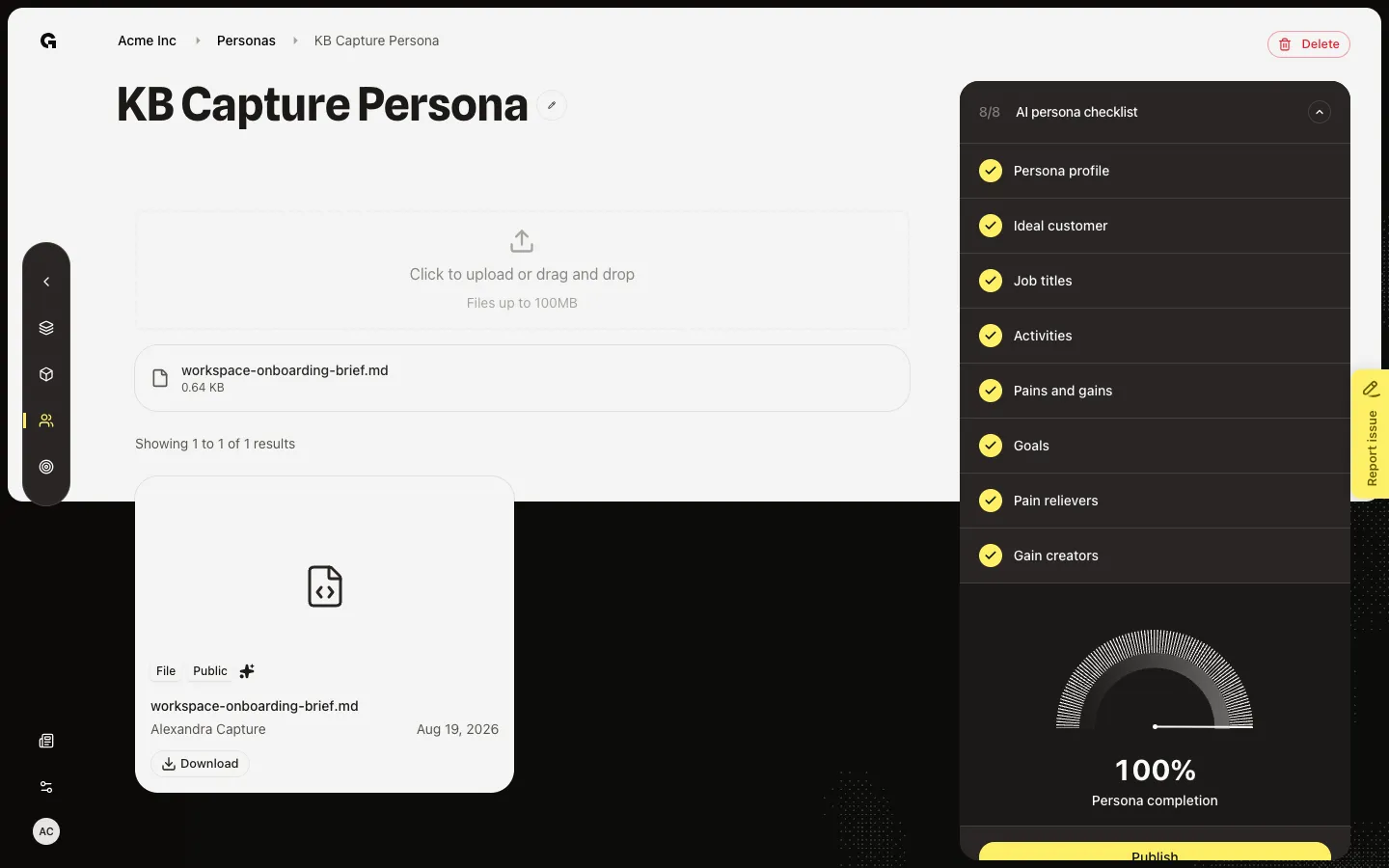
Upload a file
Drop a file on File dropzone. Growf saves it on the linked product, not as a separate persona library. If no ICP with a product is linked, the empty state says to link an ICP with a product. Upload appears only when exactly one related product exists.
FAQ
I see a message about linking an ICP with a product.+
This page lists the product files for the persona’s ICP. Link an ICP that has a product in Configure, or create an ideal customer profile first. Without that link, there is nothing to show or upload.
Are these files different from product documents?+
No. They are the same workspace files linked to the product. Uploading here is the same as uploading on Manage product documents for that product.
I cannot find Documents on the overview.+
Documents is its own URL. The overview sidebar is the checklist, not a documents panel.